Desktop Alert Software for Emergency Employee Notifications
Some people won't see a text or an email in time. Phones are silenced, put away, or not allowed at work. Castatus Desktop Alerts puts your message on top of whatever they're working on, and it stays there until they acknowledge it.
Request Demo FAQs
Messages people can't miss
A desktop alert doesn't sit in an inbox waiting to be noticed. It shows up on the screen people are already looking at.
Reach people phones can't
Desktop alerts reach employees whose phones are silenced or turned off, and people with no access to email.
They're especially useful in banks and credit unions, call centers and other workplaces that limit phone use on the job.
More than a pop-up
Employees can respond right from the alert, and their answers land with every other reply.
SAFESTATUS®
Employees report Safe or Not Safe from the alert, just like on any other channel.
Polls
Ask a question with the alert and collect the answers in the cast report.
Forms
Include a Castatus Forms form to collect structured answers, like a damage report.
Documents
Attach a response plan or evacuation map so it's right there on the screen.
Silent duress hotkeys
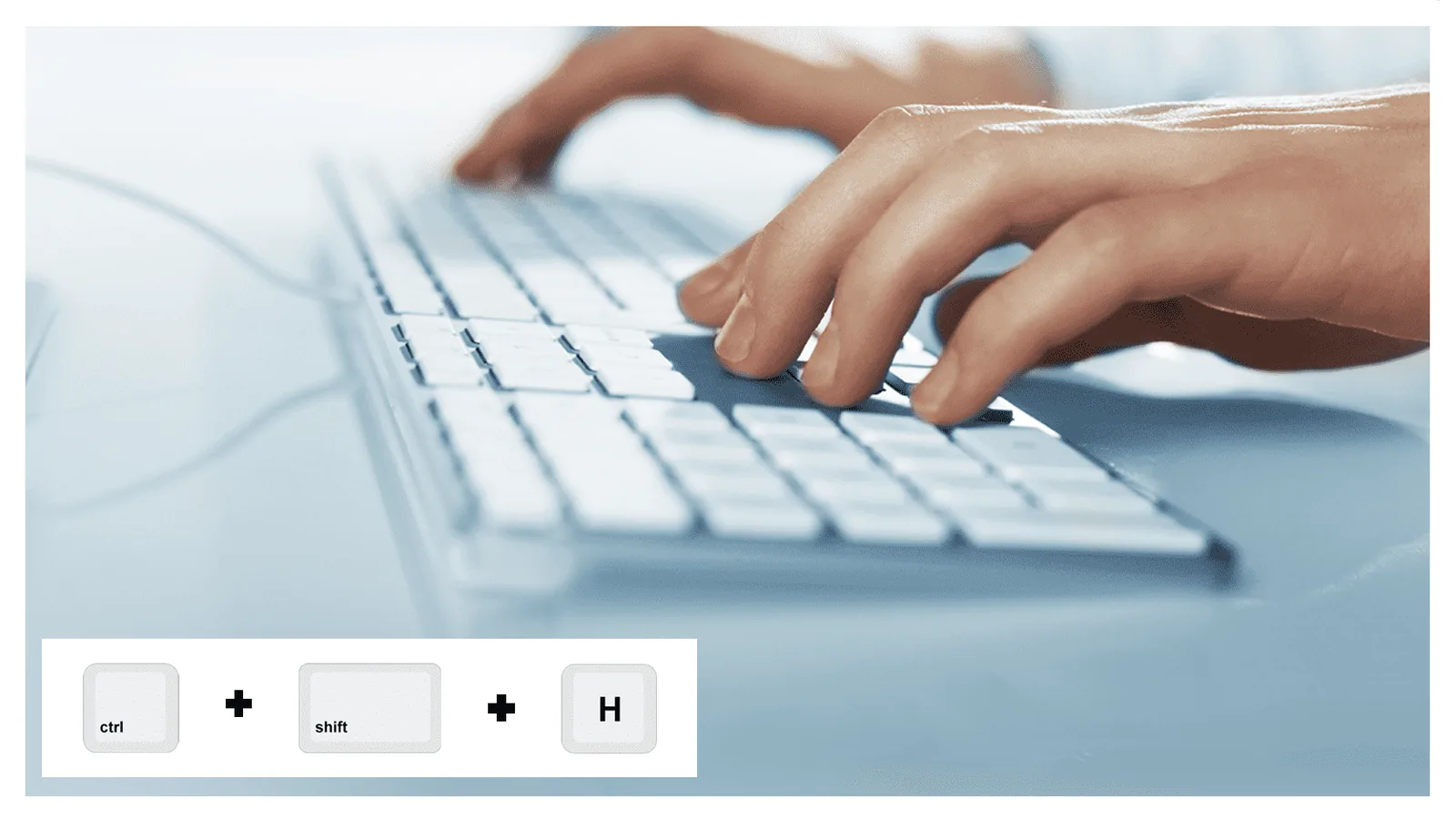
Desktop Alerts can be set up so an employee can call for help without saying a word or reaching for a phone. They press a combination of keys, such as CTRL+SHIFT+H, and a duress signal goes out silently.
The signal can go to everyone at the same location, or only to people you've chosen ahead of time. If you have more than one site, it can alert people at other locations too.
For example: a bank teller can alert selected staff at the branch that a robbery is in progress while headquarters is alerted at the same time. A receptionist facing an angry or threatening visitor can quietly call for help from the front desk.
Easy for IT to roll out
Desktop Alerts runs on Windows and comes with a professional installer that IT can push silently to every computer. Nobody has to install it by hand.
During setup, each employee confirms who they are once, with a one-time passcode or by signing in through your single sign-on. After that there's nothing to sign in to.
One channel in Crisis Manager
Desktop Alerts is part of Safety & Mass Notifications. Because each employee is identified, you can target one location, a group or everyone, and the same message can go out by text, voice, email and the SAFESTATUS® app at the same time. Every reply comes back to the Crisis Manager Inbox.
Part of Castatus Cloud. See plans and pricing
Common questions
Let us show you what Castatus can do for your business.
Request Demo